YouTube Dashboard – Performance Tracking

149,00

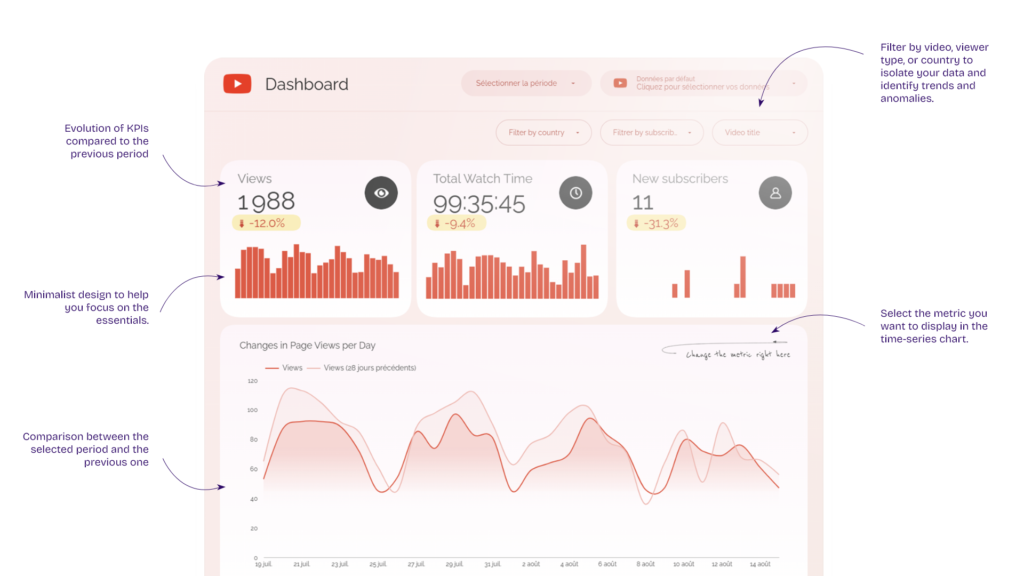
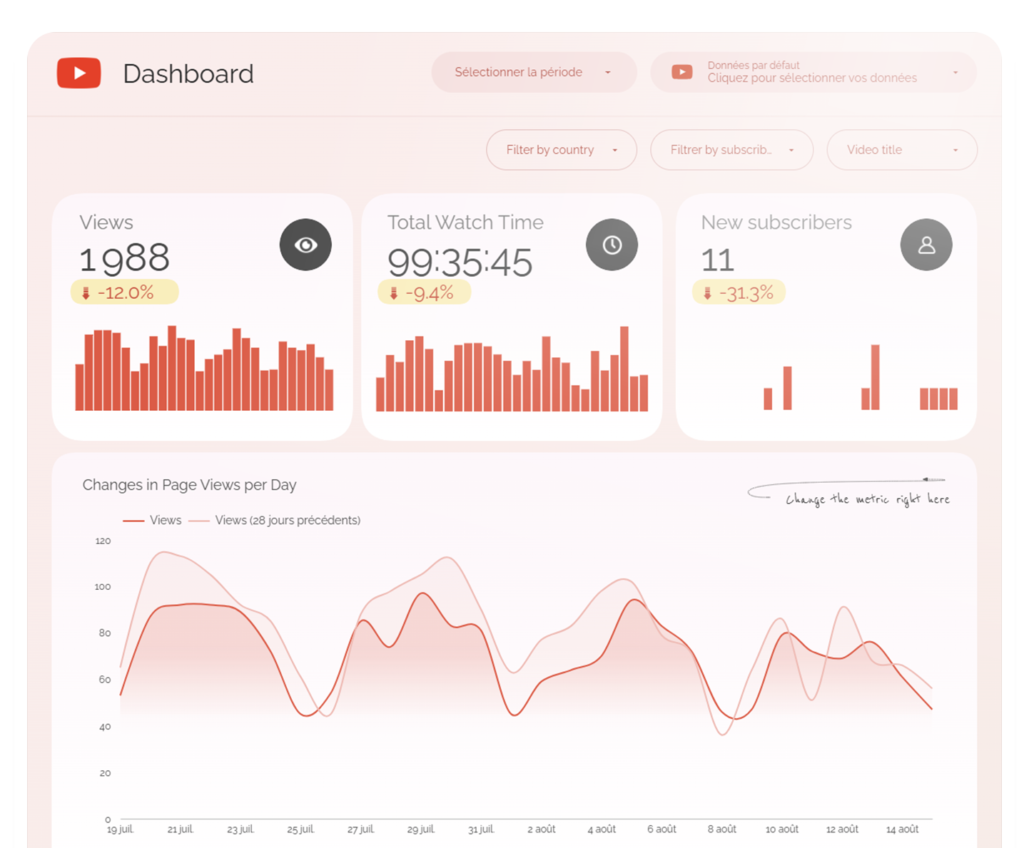
This dashboard built in Data Studio allows you to closely monitor the performance of your YouTube channel: views, engagement, subscribers, and even conversions generated on your website.
✅ Track trends in views, subscribers, and video performance ✅ Measure actual engagement (watch time, retention, interactions, conversions) ✅ Identify the videos and formats that generate the most value ✅ Track conversions from YouTube visitors to your website

Accès à vie & mises à jour
100% personnalisable & marque blanche
Tutos d’installation et d’utilisation
Data Sources
logo google analytics

Google Analytics

logo youtube

YouTube

Metrics
YouTube views
Watch time
New subscribers
Shares
Likes
Dislikes
Comments
Additions to a playlist
Impressions (of annotations)
Clicks on annotations
Closing annotations
Site views from YouTube
Website sessions
Conversions on the website
Bounce rate
Session Duration
Views per session

Dimensions
Date
Title of the video
Sharing Platform
Country
Subscriber / Non-subscriber
Annotation type
Landing page
Device Type
Language

Benefits

Save time and improve readability. No more CSV exports or makeshift spreadsheets: a single, clear, shareable, automated space.
Identify what works so you can repeat it. Pinpoint the formats, titles, and topics that drive engagement, and replicate them.
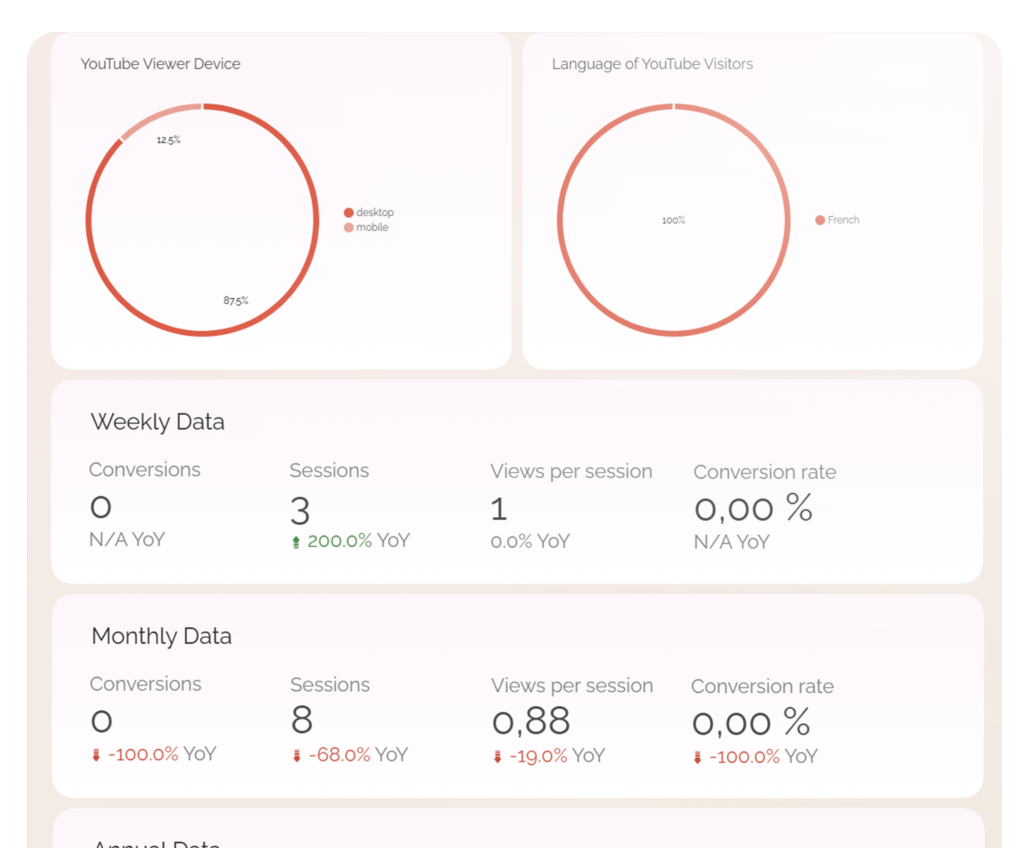
Assess the quality of your YouTube traffic. You can quickly see the visits generated on your website through your YouTube channel—and, most importantly, whether those visitors converted.
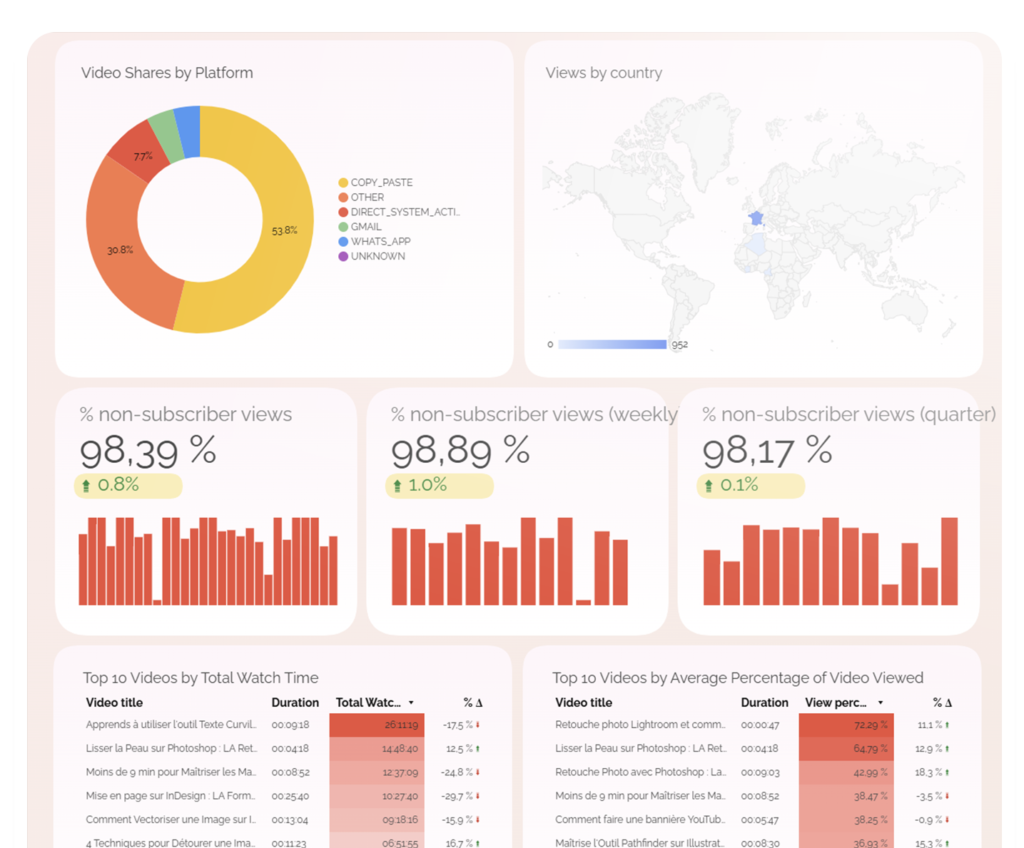
Identify the percentage of views from non-subscribers.

Features

features youtube dashboard

Sending Automatic Reports via Email

Filters for comparing segments

Option to remove the logo and customize the design

Easy sharing with anyone

Can be duplicated to create a dashboard for each channel

Easy PDF Export

View by day, week, and month

Conversion and Engagement Tracking

User Retention Analysis

Use Cases

I post regularly, but I don’t know which videos are really helping my channel grow. The dashboard identifies the top-performing videos based on views, watch time, and engagement, so I can stop posting based on gut instinct and replicate what works.
I have a YouTube channel, but I’m not sure if it’s generating business. Thanks to the GA4 integration, we can see exactly how many YouTube visitors come to the site, which pages they view, and, most importantly, whether they convert.
My team wastes time manually compiling YouTube stats every month. No more CSV exports or makeshift Excel spreadsheets. The dashboard centralizes everything in real time and sends automatic reports via email as often as you like.
I manage a client’s YouTube channel and need to provide them with a clean report. The dashboard can be duplicated for each channel, customized with white-label branding, and shared with a single click without the client needing to access YouTube Studio.
I want to know if my subscribers are more engaged than my non-subscribers. Breaking down views and engagement by subscribers and non-subscribers allows you to assess the quality of your acquired audience and adjust your retention strategy.

Structure

youtube dashboard

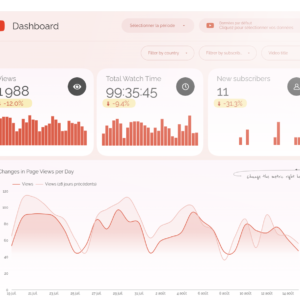
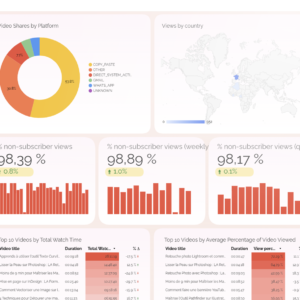
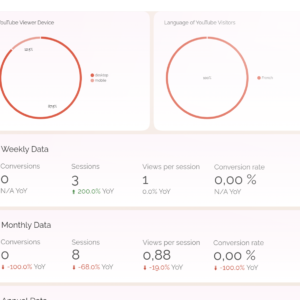
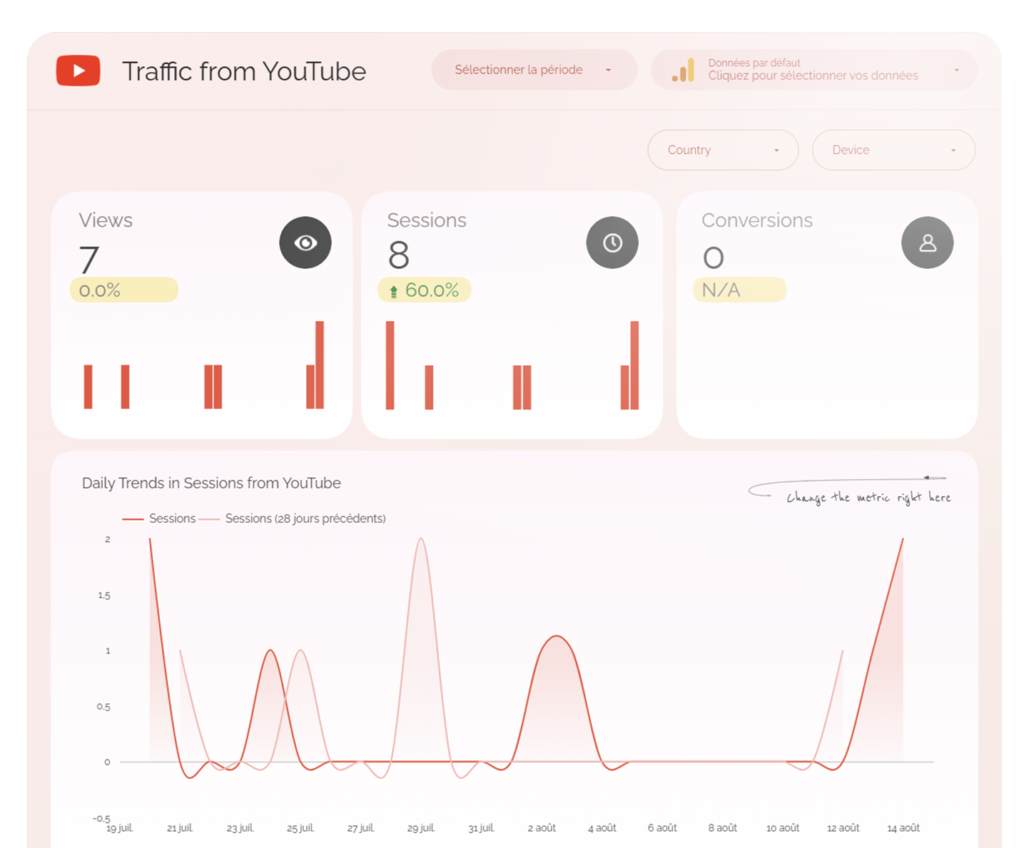
Page 1 – Your YouTube Channel’s Performance

Track all of your channel’s key KPIs, measure engagement, identify winning formats, and assess the percentage of visits from non-subscribers.
screenshot youtube 3

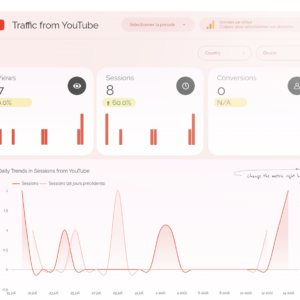
Page 2 – Visits and Conversions Generated on Your Site

Track how many visits come from your YouTube channel, which pages are visited, and the conversions generated.

Who is it for?

YouTube Content Creators
SEO and Content Marketing Experts
CMOs and Communications Managers
Entrepreneurs and Infopreneurs
Marketing Agencies and Freelancers

Its strength

You post regularly on YouTube… but do you have a clear, actionable understanding of what really works? It can sometimes be difficult to make truly data-driven decisions.

This dashboard finally lets you centralize, visualize, and analyze your YouTube data to improve your content, your video strategy, and your ROI. 🎥

With this dashboard connected to YouTube Analytics, you can track your channel’s growth, audience engagement, and the real impact of your videos in real time. At a glance, you can see what’s performing well, what’s falling short… and what needs to be optimized.

What You Get
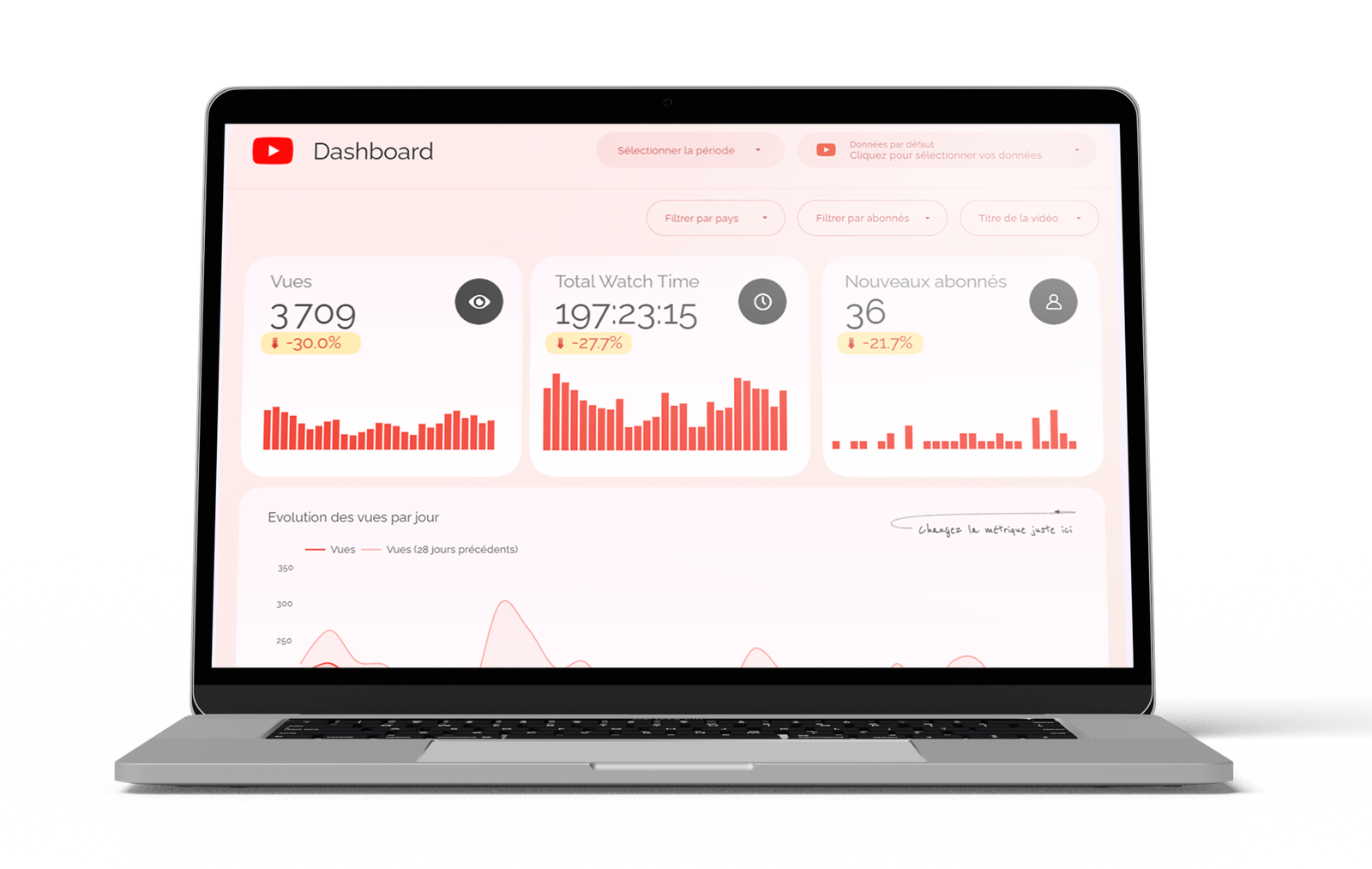
presentation dashboard youtube

The Data Studio template to duplicate
mockup doc technique

Technical documentation for getting started
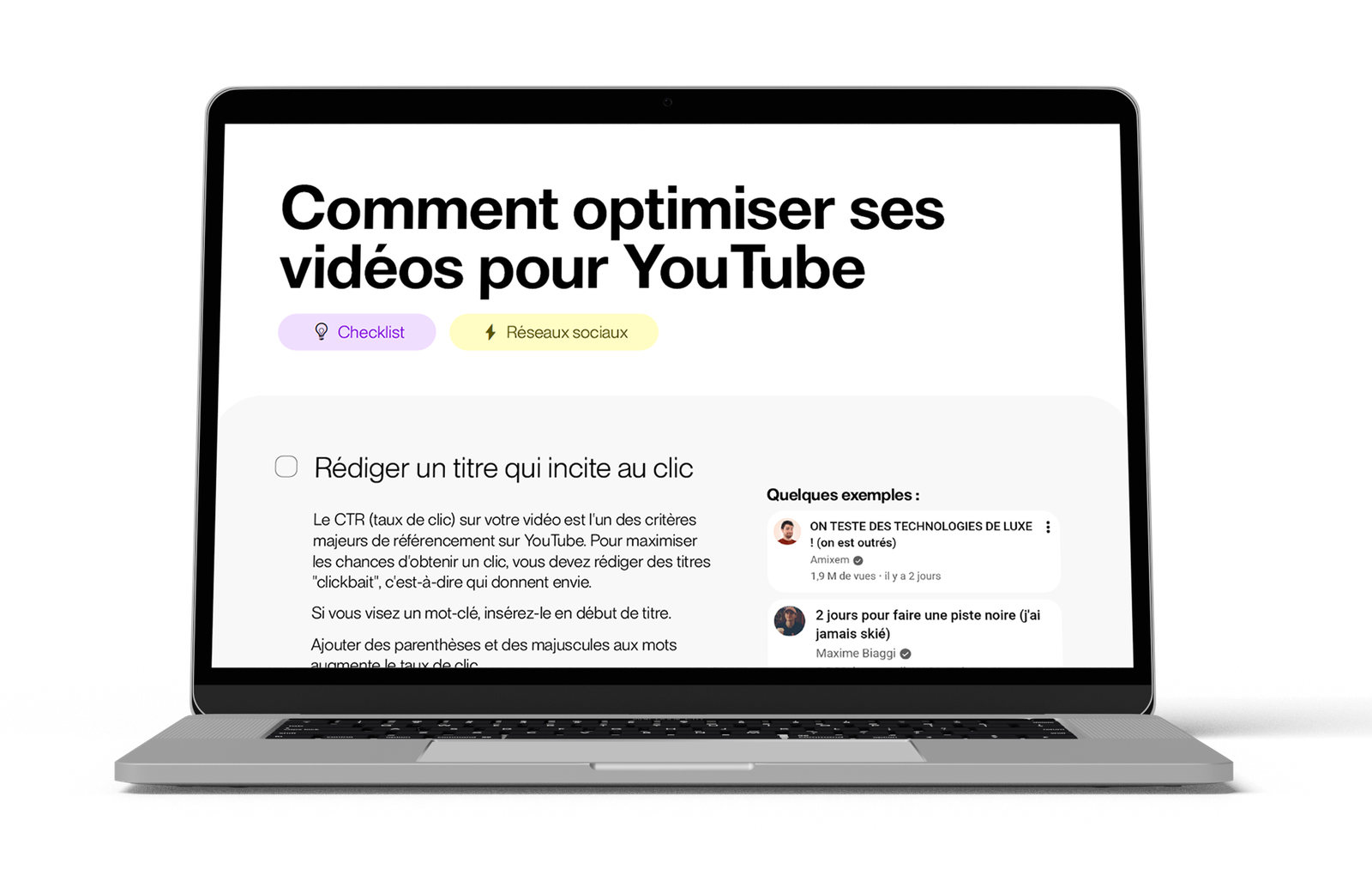
checklist videos youtube

Checklist for Optimizing Your YouTube Videos

There are no reviews yet.

Be the first to review “YouTube Dashboard – Performance Tracking”

Your email address will not be published. Required fields are marked *

Vous aimerez aussi…